
It’s Monday. A marketing rep calls between jobs and tells you your Google profile is “dead” because you haven’t posted since March. For a monthly fee, they’ll post for you every day.
You look at your phone. You have 60 reviews, a full schedule and no idea what you’d even post. Is the rep right?
Mostly not. But posts aren’t useless either. They’re a sales tool, not a ranking tool, and that changes what you should post.
Short answer
Google Business Profile posts do little for your map ranking. A Sterling Sky test found weekly posts had no measurable effect on rankings, and in Whitespark’s 2026 expert survey, posting frequency ranked 148th of 187 factors. Posts help a customer who is already looking at your profile decide to call you. Post when you have something real, like a finished job with a photo or a seasonal tip, and skip the filler.
What Google profile posts are
Posts are short updates on your Google profile. Google’s help page lists three types:
- Updates: text, a photo or video, and an optional button such as “Learn more” or “Book”.
- Offers: a deal with a title and dates. Google adds a “View offer” button.
- Events: something with a start and end date.
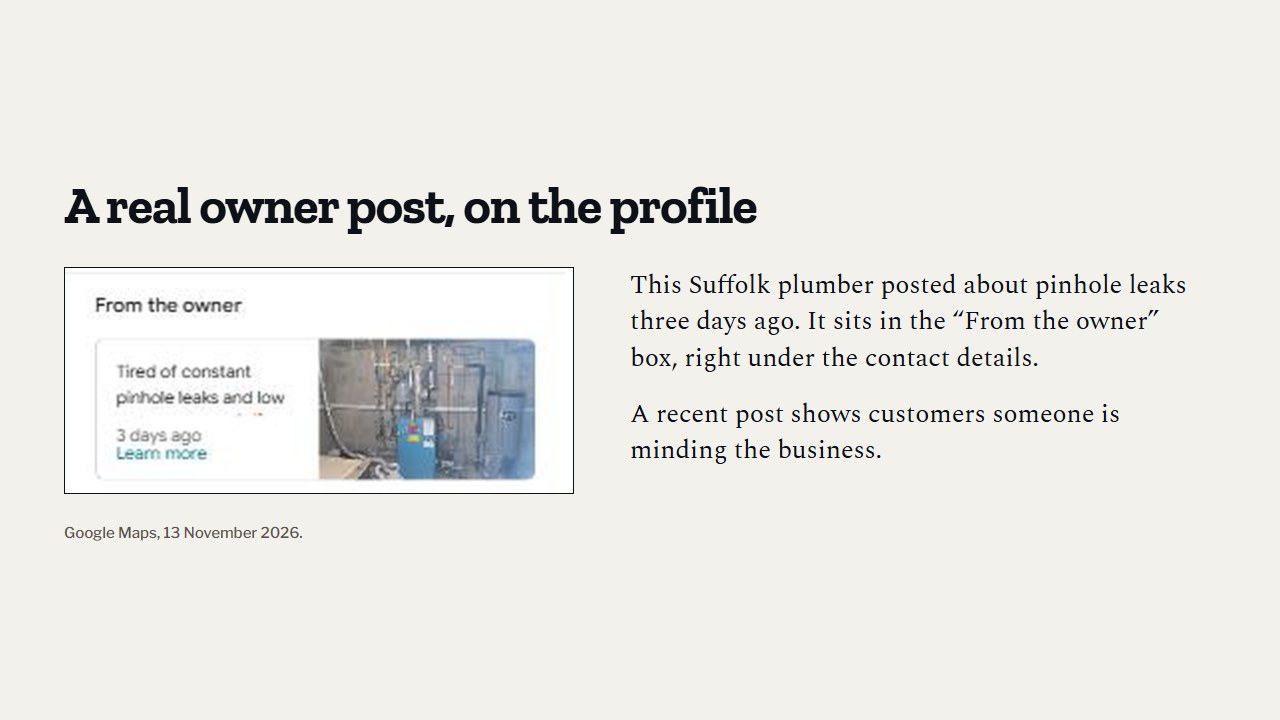
On phones, posts show in the Updates or Overview tab of your profile on Search and Maps. On a computer they show under “From the owner”.
One thing some older guides get wrong: they say posts disappear within days. Google’s current help page says posts are archived after 6 months unless you set a date range. You can also schedule posts ahead and set them to repeat.
Do posts help you rank?
The best test we found is from Sterling Sky, a local SEO firm. In 2021 they posted once a week for 9 weeks on 3 Google profiles that had no other SEO work going on, and tracked 441 searches for each one.
Their finding: the posts had no measurable impact on rankings in the map results. They recommend posts for conversions and messaging, not for keyword rankings.
It’s a small test, and they say so. Three profiles, nine weeks, and two of the three had other things going on. It doesn’t prove posts can never matter. But it’s the most direct test out there, and the experts agree with it.
Where “frequency of Google Posts/Updates” ranked among map ranking factors in Whitespark’s Local Search Ranking Factors survey of 47 experts (2026 edition, November 2025). The number of posts ranked 168th.
Compare that with the primary category, which the same experts ranked first, and reviews, which filled several of the top 14 spots. If you only have one hour a week for your Google profile, posting isn’t where it should go.
So why post at all?
Because the customer is standing in a flooded basement, comparing you with two other plumbers on their phone.
One profile has a post from last week: a photo of a water heater swap in their town, two lines on what was wrong and how long it took. The others have nothing since 2023. Which one looks like a real business that answers the phone?
We haven’t found a solid study that measures how much posts lift calls, so we won’t give you a number. But a recent, real post answers the questions a customer has before they call: do you work in my area, do you do this kind of job, are you still in business. That’s the job of a post.
What a contractor should post
Good posts are real, local and specific. Some ideas that work for any trade:
- A finished job. One real photo, the city, what was wrong, what you did. “Replaced a leaking 40-gallon water heater in Garden Grove. In and out in three hours.”
- A seasonal reminder. “First cold night is coming. Here’s what to check on your furnace before you need it.” HVAC and roofers have the easiest time with this.
- An offer, only if it’s real. Clear terms, real dates. No fake “today only” that runs all year.
- An answer to a question customers ask you on the phone. “Do you charge to come out?” “Do you work Saturdays?”
- Your people. A new tech, a new truck, a license renewal. Small, true, human.
If you want a hand finding what’s missing on your profile before you start posting, our free audit checks your Google profile, including when you last posted, and compares it with your top competitors.
What not to post
- Keyword soup. “Best plumber Tustin emergency plumber Tustin drain cleaning Tustin.” Whitespark’s experts list keyword stuffing in posts as both a negative and a suspension risk. It is also unreadable. If your profile does get pulled, here’s what to do when a Google profile is suspended.
- A phone number in the text. Google says posts with a phone number in the description may be rejected if the number can’t be confirmed as yours. Your number is already on the profile.
- Stock or AI-made photos. Whitespark’s experts rate both as negatives on a profile. A slightly blurry photo of your real work beats a perfect photo of someone else’s.
- A customer’s face or house number without their clear yes.
How often should you post?
Google gives no rule. Our view: post when you have something real, and aim for a steady rhythm you can keep, even if that’s twice a month. A profile with a real post every couple of weeks looks more alive than one with 30 copy-paste posts in January and nothing since.
If you get busy, set a seasonal post to repeat. Google lets you schedule and repeat posts weekly, monthly or on a custom schedule.
How to make a post
- Open your Business Profile and go to Posts.
- Choose Add post, then pick update, offer or event.
- Add a real photo and a few short lines.
- Add a button if it helps, such as “Learn more” linking to the right page on your site.
- Publish now, or schedule it.
Before you spend time on posts, check that the basics are right: your categories, services and service area. Those move rankings far more. Start with picking your Google Business Profile categories, and for the whole picture, see how to rank higher in Google Maps. And since reviews outweigh posts, the best hour you can spend this week might be asking customers for Google reviews.
Do this this week
- Check when your last Google post went up.
- Take one real photo on your next job (no customer faces).
- Post it with the city and two lines on what you did.
- Write one seasonal post for next month and schedule it.
- Delete or fix any old post stuffed with keywords.
Questions owners ask
Do Google posts expire?
Google’s help page says posts are archived after 6 months unless you set a date range. Offers and events end on the dates you give them.
Will posting every day help me rank?
The evidence says no. Sterling Sky’s test of weekly posts found no measurable ranking change, and Whitespark’s experts rank posting frequency near the bottom of 187 factors.
Can I put my phone number in a post?
Google says a post with a phone number in the text may be rejected if the number can’t be confirmed as your business’s. Use the call button already on your profile instead.
Should I pay someone to post for me?
Only if they post real things: your jobs, your photos, your area. Daily filler written by someone who has never seen your work does little for customers and nothing measurable for ranking.
Where to start
Take one photo on your next job and post it this week. That’s the whole habit.
If you want to know what to fix first on your profile, our free audit looks at your categories, reviews and last post date next to your top competitors. What we offer after that is on our packages page.
Sources
- Google Business Profile Help, “Create & manage posts on your Business Profile,” read 12 November 2026. support.google.com/business/answer/7342169
- Sterling Sky, Joy Hawkins, “Do Google Posts Impact Ranking?”, 26 July 2021. sterlingsky.ca/do-google-posts-impact-ranking
- Whitespark, “Local Search Ranking Factors,” 2026 edition, published 6 November 2025 (47 experts, 187 factors). whitespark.ca/local-search-ranking-factors