
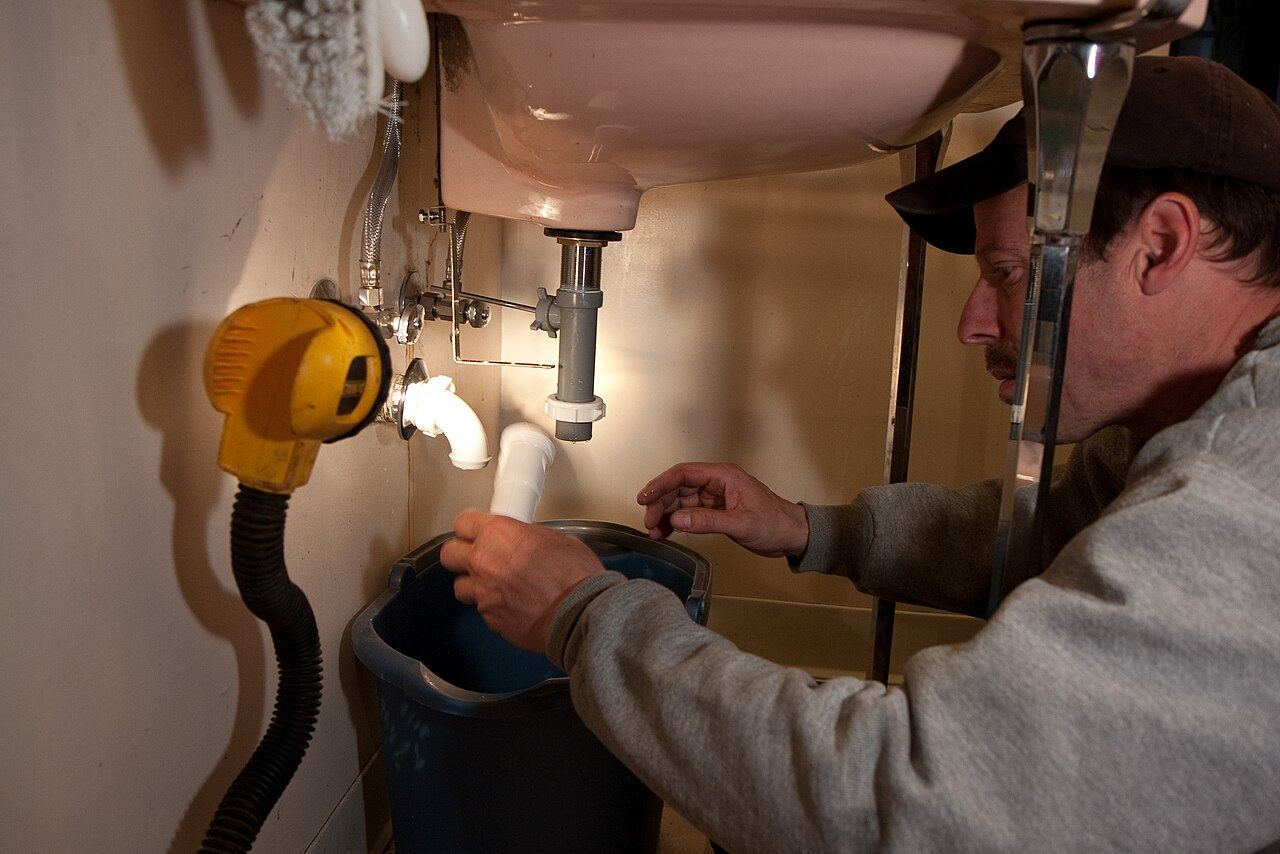

The new water heater is in. The customer is standing in the garage, running the hot tap, grinning. “You guys saved our weekend,” she says.
Your tech says “No problem,” packs the van and drives off. That glowing review lives and dies in the garage.
Most contractors don’t skip the ask because they’re lazy. They skip it because it feels awkward, like asking for a tip. It isn’t. Here’s how to make it normal, quick and fully within the rules.
Short answer
Ask every customer, the same way, right after the job: a short line in person, then a text the same day with your direct Google review link. Never offer anything for a review, never ask only the happy ones, and never ask for a certain star rating. Most people who are asked will do it.
of people who were asked to leave a review went on to leave one, and 78% of consumers were asked at least once in the past year (BrightLocal Local Consumer Review Survey, February 2026, 1,002 US adults).
Asking isn’t pushy. Not asking is just quiet.
Customers expect to be asked now. In BrightLocal’s 2026 survey, 28% of people said they will “always” write a review if asked, up from 16% the year before. Only 6% said they wouldn’t write a review at all.
And reviews do real work for you. Fresh ones are what a stranger checks before calling. We explain why in the psychology of Google reviews.
The rules, in one minute
Google is fine with you asking. Its policy says businesses may encourage reviews that reflect a genuine experience. What Google bans:
- Any reward. No discounts, gift cards, free service or entries into a draw. Google calls this “strictly prohibited.”
- Asking only happy customers. Google bans “selectively” asking for positive reviews. This is called review gating, and it includes “Were you happy? If yes, review us here.”
- Pressure on the spot. Don’t require or push people to review while you’re still at the house.
- Staff quotas and scripts. Google bans telling staff to collect a set number of reviews, or reviews with certain content, like naming the tech.
The FTC also has a rule on reviews. It bans rewards that depend on the review being positive. Our guide to the FTC fake review rule covers the details. Google’s own policy is stricter on rewards and on who you ask, so build your process around Google’s rules. For your own situation, check with your lawyer.
One more: ask for Google reviews only. One link is easier to act on than three, and Google is where most people write reviews: 45% in BrightLocal’s 2026 survey, against 24% for Yelp. Let reviews on other sites come on their own.
Step 1: Get your review link (and QR code)
A link that goes straight to the review box is the difference between “sure” and an actual review. Here’s how to get it, using the button names in Google’s help page:
- On a computer, sign in at business.google.com and open your Business Profile.
- Select Read Reviews, then Get more reviews.
- Select the Share icon. Use the Copy icon to copy your link.
- For the QR code, right-click it and choose Save image as. Google says QR codes can only be made from a computer, not a phone.
Save the link in your phone’s notes and in your texting tool. Print the QR code on invoices, leave-behind cards and the back of your business card.
Step 2: Say it in person (three scripts)
The best moment is when the job is done and the customer has seen it working. Keep it short. Say it to every customer, not just the smiley ones.
The tech at the door
“We’re a small local company, and Google reviews are how new customers find us. I’ll text you a link tonight. If you have a minute to share how today went, it really helps.”
The owner on a follow-up call
“Just checking the new panel is working fine. One favor: I’m sending a link to leave us a Google review. Good or bad, an honest one helps us and the next homeowner.”
When the job had a hiccup
“I know the part delay was a pain, and thanks for bearing with us. We ask everyone for an honest review, and I’ll send you the link too.”
Yes, you ask this customer too. Asking everyone is the rule, and a fair review about a problem you handled well is worth more than you’d think.
Step 3: Send the text (copy these)
Send it the same day, during business hours. Use the customer’s first name and your business name so they know it’s real. One link, nothing else.
Same-day text
“Hi Maria, it’s Dan from Valley Plumbing. Thanks for having us out today. If you have a minute, an honest Google review helps other homeowners find us: [link]”
One reminder, three days later
“Hi Maria, Dan from Valley Plumbing again. No pressure at all, but here’s the review link in case it got buried: [link]. Thanks either way.”
For a big job, by email
Subject: “Thanks from Valley Roofing”
“Hi Maria, thanks for trusting us with your new roof. We’re a small local crew and Google reviews are how neighbors find us. If you’d like to share how it went, here’s the link: [link]. Your warranty papers are attached.”
Then stop. One ask and one reminder is polite. A third starts to feel like a debt collector.
A quick word on texting: only text customers who gave you their number for the job. If you send from a business texting tool, the number usually has to be registered with the carriers first, or your texts may not arrive. We explain it in A2P 10DLC in plain English.
Not sure how many reviews you’re short compared to the companies around you? Our free audit shows your rating and review count next to your nearest competitors’ review counts.
Phrases to never use
| Don’t say | Why | Say instead |
|---|---|---|
| “If you were happy, please leave a review.” | That’s asking only happy customers. Google bans it. | “An honest review helps us.” |
| “A 5-star review would mean a lot.” | Asking for a rating tries to steer the review. | “Share how today went.” |
| “Leave a review and get 10% off.” | Any reward breaks Google’s policy. | Nothing. Just ask. |
| “Mention Jake by name!” | Google bans asking for specific content, including staff names. | Let them write what they want. |
| “Can you do it now while I wait?” | Pressure on the spot is banned. | “I’ll text you the link.” |
| “Review us on Yelp too.” | Two links split the ask. Keep it to Google. | Ask for Google only. |
Make it automatic so nobody forgets
The ask fails when it depends on a tired tech remembering at 6 p.m. Tie it to something that always happens: closing the job in your software, sending the invoice, or taking the payment.
If you use job software, check whether it can send a message when a job is marked done. Many can. Use the same message for everyone. That keeps it fair, and it keeps reviews coming in every week instead of in bursts.
When the reviews do arrive, answer them. If one stings, read how to reply to a bad Google review before you type anything.
Do this this week
- Get your Google review link and QR code (Read Reviews, then Get more reviews, then Share).
- Save the same-day text above in your phone or job software, with your name and link filled in.
- Teach the crew the one-line door script. Practice it once at the morning meeting.
- Text every customer from the last two weeks who hasn’t been asked yet.
- Delete any “if you were happy” wording from your invoices, emails and website.
Questions owners ask
Is it OK to ask customers for Google reviews?
Yes. Google’s policy allows businesses to encourage reviews of genuine experiences. What it bans is paying for them, rewarding them, or asking only happy customers.
Can I offer a discount or gift card for a review?
Not for a Google review. Google prohibits any incentive, like free or discounted goods or services, even if you don’t ask for a positive review. The FTC’s rule separately bans rewards that depend on the review being positive.
Can I only send the review link to happy customers?
No. Google bans “selectively” asking for positive reviews. Send the same request to every customer after every job.
How many times should I ask?
Once in person or by text, and one reminder a few days later. After that, let it go.
Should I ask for Yelp reviews too?
We don’t. We ask for Google reviews only, because one clear link works better than several and Google is where most people write reviews. Keep your Yelp page claimed and up to date, and let reviews there come on their own.
Start with the next job
Pick one script and use it on your very next customer. That’s the whole system.
If you’d like to see where your reviews stand first, our free audit compares you with the companies around you. You can see what we offer after that on our packages page.
Sources
- BrightLocal, “Local Consumer Review Survey 2026,” 11 February 2026, 1,002 US adults. brightlocal.com/research/local-consumer-review-survey
- Google Maps, “Prohibited & restricted content” (user contributed content policy: fake engagement and rating manipulation), read 12 November 2026. support.google.com/contributionpolicy/answer/7400114
- Google Business Profile Help, “Create a Google link or QR code to request reviews,” read 12 November 2026. support.google.com/business/answer/16816815
- Google Business Profile Help, “Tips to get more Google reviews,” read 12 November 2026. support.google.com/business/answer/7035772
- Federal Trade Commission, “Consumer Reviews and Testimonials Rule: Questions and Answers,” read 12 November 2026. ftc.gov business guidance